Showing posts with label filter. Show all posts

2 January 2019

chalk lettering

Came across a random topic on a forum about reproducing a "grainy" gradient on a lettering design.

As having met with the problem many times before, thought I could look up something from the self and mix them together.

Not completely satisfied with the result. But that is considerably a good sign: there is alot of room for improvement.


svg source


13 December 2017

plant remix

Long time no posts. Recently I haven't created new filter packs, although I did use many of the previous material. In that vein, every time loading in a filter from a pack, tweaking it further to match the image better. So maybe it is a good idea to post updates of the filters in action?
Ideas are fitting with the blog so maybe time for catching up with it.

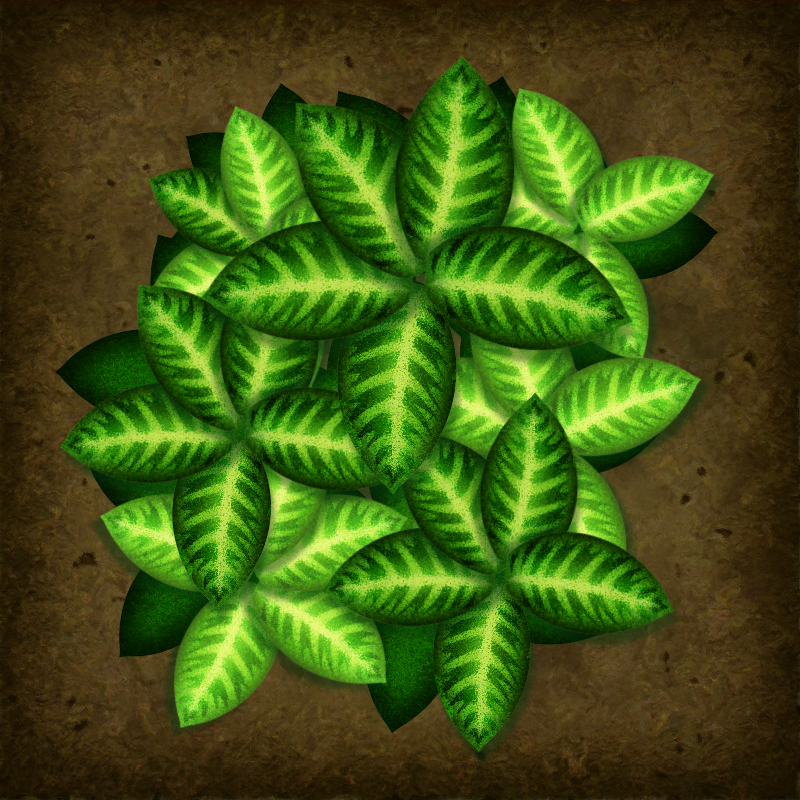
To start off, sharing this plant here.
May appear a bit out of context as this plant was drawn before the previous halftone packs.
Original image was unfiltered at openclipart, and it just screamed for the organic pack.


svg source


16 November 2017

wavy, sayagata, wave and dot, cross screening

Moved forward with the previous halftone template.
This time the screen image is not a repeating gradient, but a pattern fill.
Working with inkscape it turned out that the use process is rather different than the mentioned points. The basic of the problem is the resulting image traced can end up 100k+ nodes, likely having a performance issue. Then, it means it's easier just to generate a raster copy and trace it outside.
My workflow is the following: import a photograph into the template file in inkscape,
create a raster copy (Alt+B). It results in a raster image generated in the svg template's folder.
Then, uploading that raster image to potrace at openclipart.org.
Profit.


svg sources:
Fuji waves
Fuji sayagata
Fuji wave-dot
Fuji cross

wavy halftones
sayagata halftones
wave-dot halftones
cross halftones


collection of screen template files

wavy screen template
sayagata screen template
wave-dot screen template
diagonal screen template
cross screen template

31 October 2017

halftone template

Added a diagonal halftone filter to a whole layer in inkscape, as suggested in the very first page of the "cookbook".

Easy and straightforward to use. It deconstructs the filtered objects -everything on the filtered layer- to 36 tone levels, and fills them up with a repeating diagonal fill, varying with the tone level.


svg source

30 October 2017

watercolour drops pack

At least that's what this is intend to represent.
Now that looking at actual resource images it appears to me these drops have a bit rough texture. However blurring cannot be operated as in a tilt-shift filer in one easy go.
This is already a hell to render -not the thumbnail, but the actual pack:
it contains 50 watercolour-like filters that openclipart cannot generate a thumbnail to.
Why? Because the objects are using a multiply blending mode to the background image.
What a bummer.


svg source

hounstooth pattern

Had this concept to draw a houndstooth pattern. Took way longer than intended but the end result seems quite decent -at least it can be edited relatively easily. Two parent threads are used for various cloning. As long as they fully fill up their clipped area, their group can contain whatever string pattern. Also the cast shadows can be edited in a similar cloning manner.

As an "in action" shot, added in a bit of displacement filtering to make the thread look a bit more organic.


svg source

28 October 2017

organic pack

The idea was to add various displacement to the filtered object with a slight overlay of colour alterations. And atop that, blend in a blot pattern for more randomness. Didn't come out as expected, but it's way too complex to handle and make basic changes to the setup. Still it's a good source for generating a grunge overlay to objects.

As this one distorts the edges of the filtered object, making an alternative where it fills in the original shape instead -which is more useful for a background texture.

Edit: the mentioned pack is available here.


svg source

27 October 2017

lime

Recently a lime got my attention at openclipart. "It's just another lemon tree".
So gave it a go and added in fractal noise based displacement maps and compositing -nothing groundbreaking from the point of the previous filters, just fine-tuning the filtering process upon the experiences.

These are in general: never use the background image as an input for the filter chain. Forget setting an object into overlay blending mode atop another. It's worthless.
Either pull in the affected objects with the image filter primitive -which takes other serious precautions and setting up the image with the right origins and whatnot- or, apply one filter after another to the "same object".
Surely you lose the option to use separate fill attributes or shapes but actually get to an image which will more likely be rendered.

All in all: comlex filter chain setups need to be broken down to subchains, and, maybe the next filter editor will be able stitching them or the functionality will be adressed by an extension.
Grouping the objects with every "small" filter is a burden that cannot be easily tracked either.


svg source

22 October 2017

watercolour filter packs

Took the ol' turbulence filter primitive and composited three displaced copies with the object source.
Some may look more realistic than the other, and in general they rely on inkscape 0,92's renderer -0.91 renders them off due to component transferring the alpha channel had issues.


svg source 1
svg source 2
svg source 3

21 October 2017

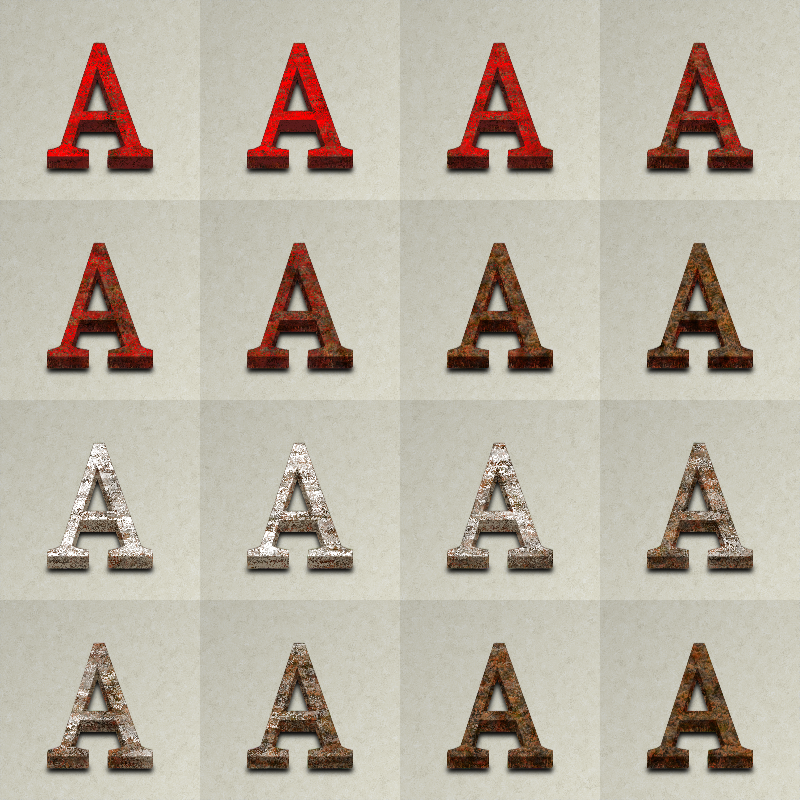
3D scratched metal lettering

To start a collection on text effect filters, made this filter pack. Built up from a previous metal grunge filter, this is quite messy in the filter editor. Labeling subchains or grouping them together in the chain link would come quite handy for further editing. Also the editor takes a minute to pan from bottom to top.
Yes, the filter is about 1000 lines in the codes... there are 212 filter primitives in one of these filters.
For that reason the dropshadow is added separately.
Added in some unused merge filter primitives just for marking some more notable subchain ends.


svg source

waves animated

Similar setup as with the crane. Using SMIL for hue rotating a spectrum filled gradient, and using that as an input for displacement map.
Tried adding a filter utop the animation -by grouping the animated object and adding the filter to the group itself- but chrome refuses to render the animation then. So as a general note, if a filter is animated, better have the effects in one go.


svg source

sledgehammer

Something exceptional, something heavy. This is the 100th post in the filter repository's related posts.
Yet cannot share a png at a decent resolution.
This image is a sledgehammer to the cpu upon exporting. Inkscape melts on it, the thumbnail here is a simple screenshot.
Strangely inkscape can render it on screen at 100% zoom level but have serious problems upon exporting.

We need a robust renderer in the future to smash this obstacle.


svg source 1
svg source 2

18 October 2017

metal gloss textures

This one goes back almost to the beginning of this blog. At the time, Esper made a tutorial with gimp on a gold foil texture, and I thought this should be also doable with inkscape. Went a bit different direction, and made my first filter packs with the "classic" 4×4 format. Haven't shared them here before since I didn't find them organised or top notch quality.
Filters in these two packs have a varied flood colour input and different turbulence settings -issues amongst others, is that it is less straightforward than those after; it was a turning point. Currently gave the gold foil idea another go. Sharing the old ones as well this time. Guess I have to include everything related to the filtering tematics, otherwise the better ones wouldn't stick out. Also, this update is where I'll start the metallic collection at openclipart. (The thumbnail look off on the new 3 since openclipart haven't updated to using inkscape 0.92.)


svg source 1
svg source 2

svg source 3
svg source 4
svg source 5

17 October 2017

water faucet

An animated waterflow filter. At least it is intended to be. Couldn't add in more realism due to the rendering got lagging. Base shape came from the 3rd page of the guide. Since the original had gradient mesh fill, it wouldn1t display in browsers. So made a hatched variant out of it, available here.


svg source -check for the animation

10 October 2017

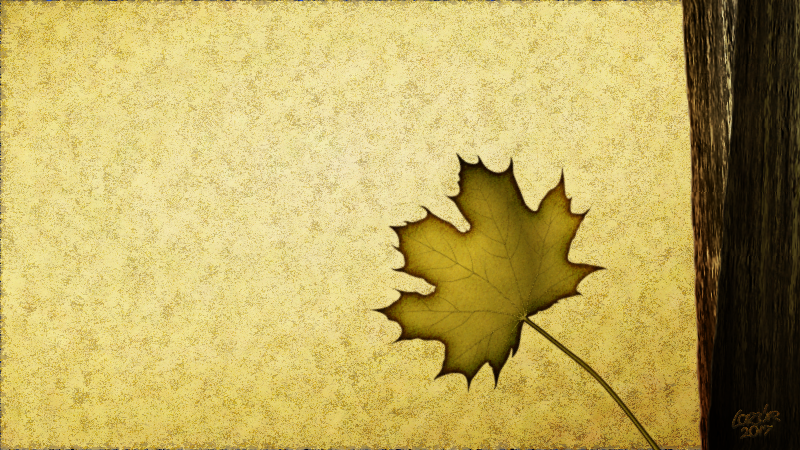
leaf texture

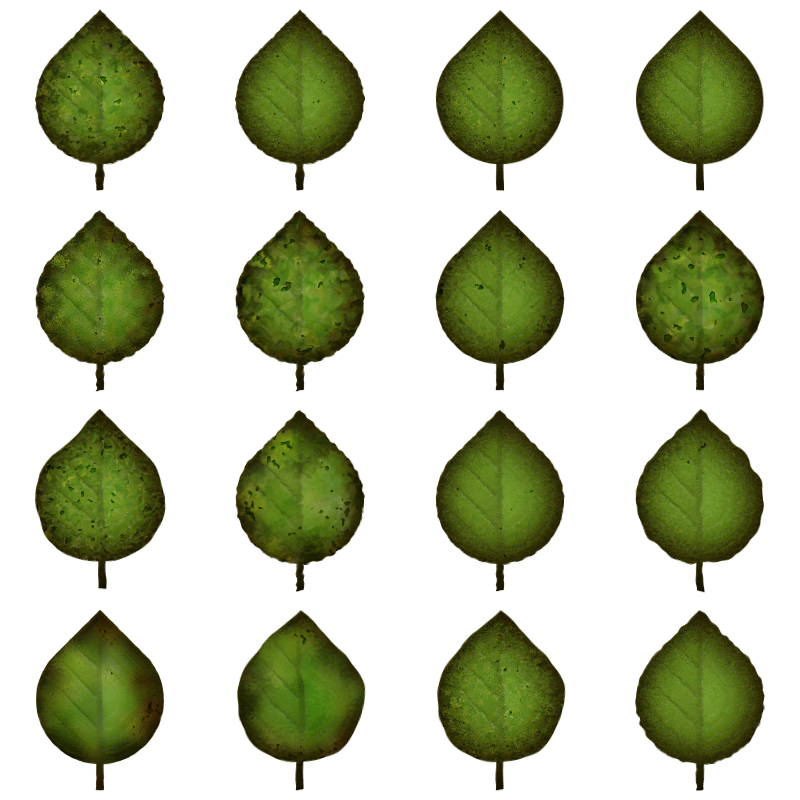
Leaf tectures are mostly showing a Voronoi-like pattern. Sadly, the svg spec doesn't provide a Voronoi noise filter primitive as a base, so every organic looking texture can only be recreated with large limitation. This time, gave it another go.
A closeup of the leaf is available here -with proper rendering presented here.
Also, this is the starting point of the soil and vegetation collection.
Edit: exported another variant with inkscape 0.92, so this one should look better than the previous thumbnail from openclipart.
Check this link for a fullHD wallpaper.


svg source
9 October 2017

old paint pack

A new old looking filter pack. Building on the previous concept, using turbulence filter primitives -in fractal noise input mode as always...- to add displacement.
This time, added in inkscape menu and tooltip attributes for easier handling. If put into the inkscape/share/filters folder, you can access the filters contained in this pack by the "worn paint" option of the filters menu.
Should have done this from the start. Still yet another reason to improve the previous filter packs further.
Made a closeup rendering with one of these filters here.


svg source

8 October 2017

paint filter pack

A set of filters to add a bit of plastic/pastose painted look to images. Uses three fractal noises and a flood fill as the base and various displacement and compositing.


svg source

7 October 2017

watercolour filter pack

Uses some fractal noises for displacement and compositing. Rendering is a bit resource heavy due to multiply blending modes over the background image, and somehow renders differently in previous inkscape versions -in 0.91, due to component transferring of the alpha channel had issues.
Thus the embedded image is this time not coming from an ocal thumbnail, rather from da.
Larger variant available here.


svg source

24 September 2017

yin-yang

Have to share this. Not that it's anything groundbreaking after the recent pack, but it's yet another full circle.

Before playing with the diffuse filter, made such a yin-yang image two years ago.


svg source
23 September 2017

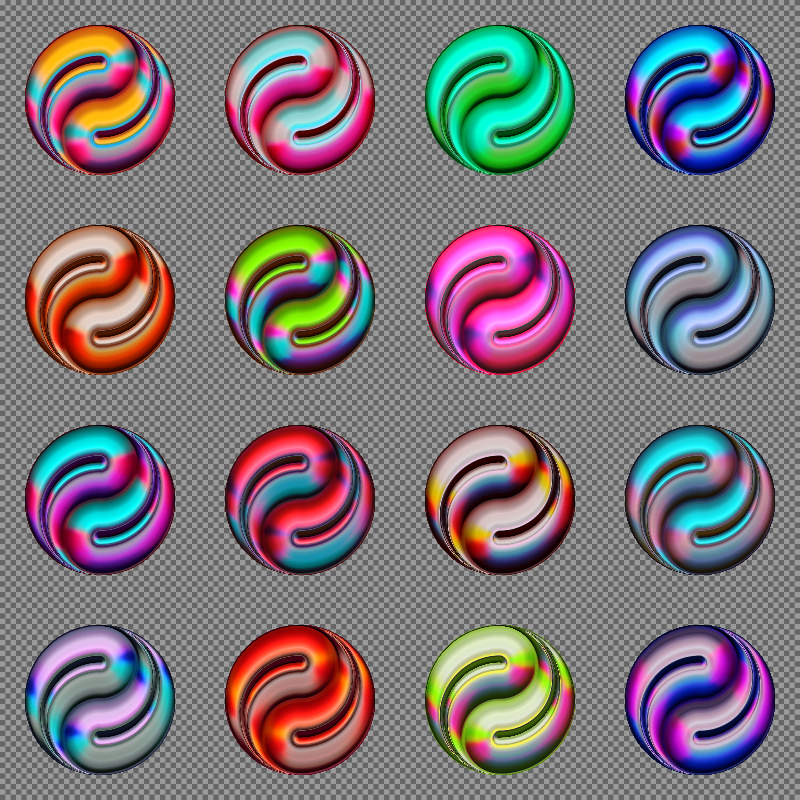
diffuse filter pack

It has long bugging me how to achieve a 3D  shading that doesn't look too sterile with filters. Two years ago made a pack where four diffuse filter primitives were composited, with each having a different light source direction set. The result was hardly predictable of the used colours, also back then I didn't use the colormatrix primitive to generate the bumpmap for the diffuse input.
Hence it could take a facelift.

This time though, took a different route. One diffuse primitive was used for the fill and compositing tricks were added in for a 4 colour colormap effect -sort of. Somehow with the fancy bend modes rigged in, the result isn't so predictable either.
Some more flood fills were added to enhance the highlights and contours.

Not perfect, but a good start to make some cromaflair effects.


svg source