Showing posts with label svg filter. Show all posts

27 January 2017

chalk drawing

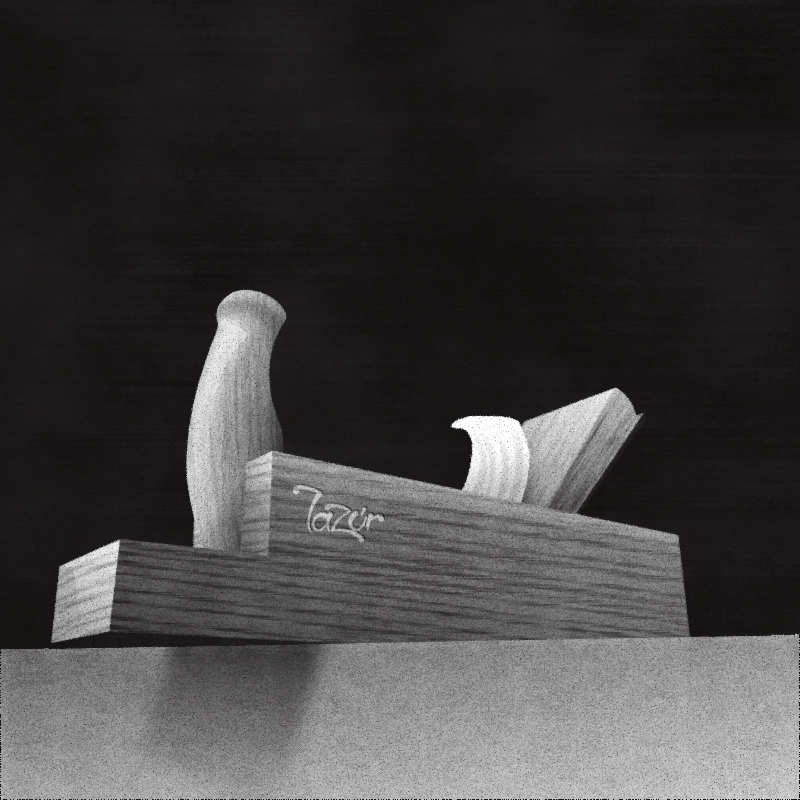
By a small modification the recent chalk filter can be used to add a white chalk drawn look to images. This case, to a plane on the bench  blackboard.


svg source

chalk pack

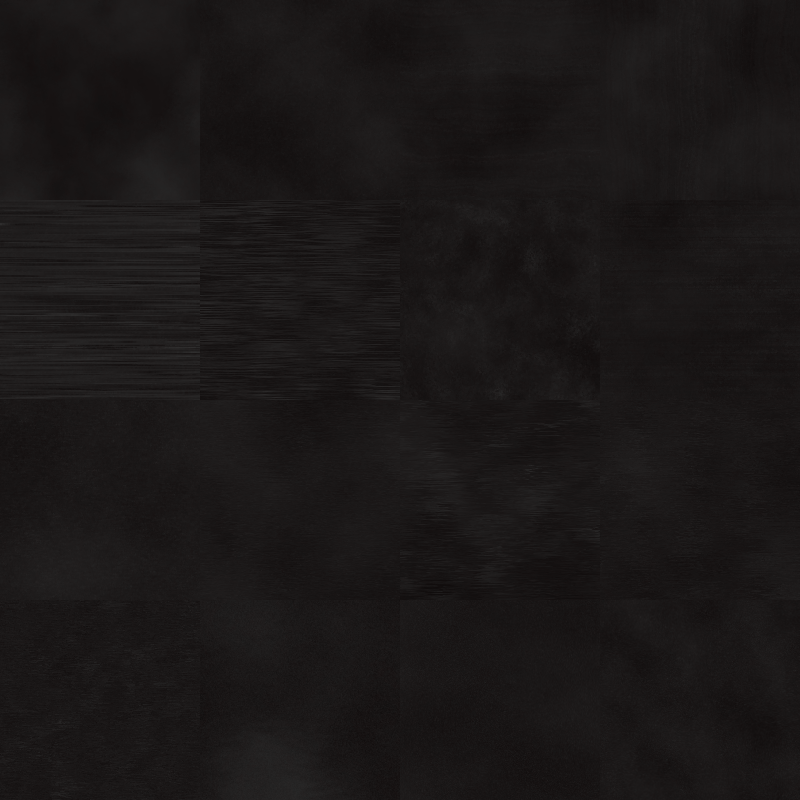
To pair up with the recent blackboard pack, here is another chalk filter pack.
This one is more solid than the one before.


svg source

blackboard pack

For drawing chalkboard art -for drawing a chalkboard to be precise.
Quite a challenge.
Since there are factors of the look you cannot simulate by filtering.
First, you have a wooden board painted black, with certain imperfections and small bumps, scatters etc. Upon it is a random layer of chalk powder, in the shape of a trace by a sponge.
The latter without filtering alone is a way advanced task.

But let's just focus on a much simpler look alike for now.
Pack is composed from three flood fills.


svg source

17 January 2017

blocky pack

The previous stone filter idea was connected to two previously unpublished blocky filter packs, that I revisited now.

By compositing two turbulence filter primitives you can generate various patterns -like fabrics-.
These packs are based on the same concept, however I found the rest still a matter for experimenting.

The first pack had built in flood fills to start off, the second one is plain black with smooth alpha and the recent one is using new (in inkscape 0.92) blending modes.
Still I feel the shading lacking, as before.
By simply adjusting the rgb levels, one can get lighter colours but decreased saturation on a darker source. Same applies shading a light source by adjusting the rgb channels.
Overlaying blend mode may be the closest although I'm not satisfied with its results.
Ultimate solution is using different sources for the lighter and darker shades, however that can lead to way complex filters.


svg source 1
svg source 2
svg source 3



.


14 January 2017

stone texture filter megapack

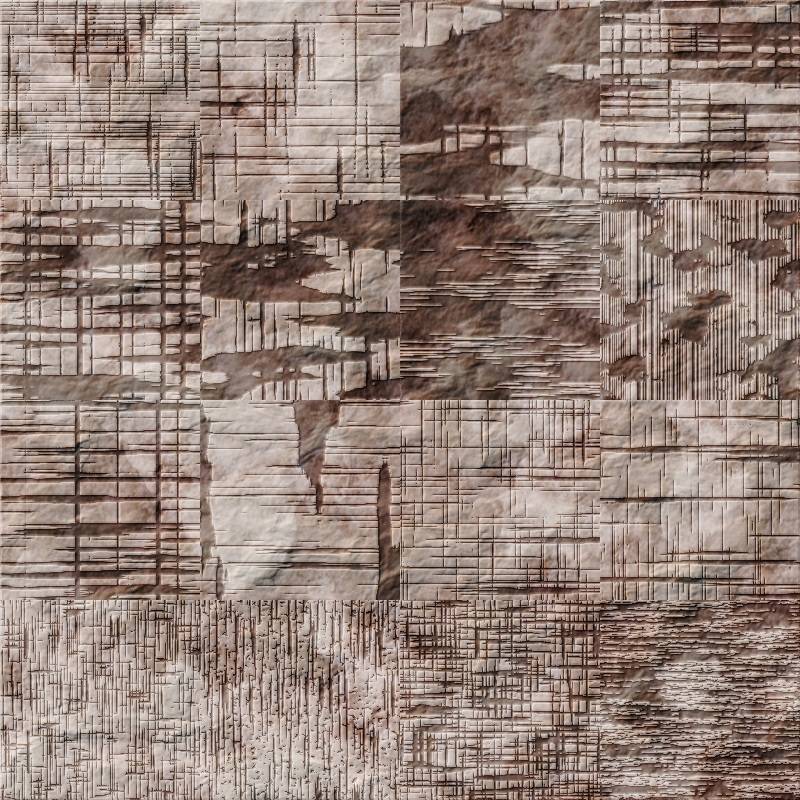
Extended the previous stone filter pack to a megapack. 1024 filters to generate stone textures for everyone.


svg source

stone filter pack

A set of 16 colour variants of the same filter chain.
Based on another set of 16 stone filters, planning to merge them into one with 256 filters.
Bit complicated since each filter uses 7 flood fills.

So it's more of a "work in progress" image.


svg source

6 January 2017

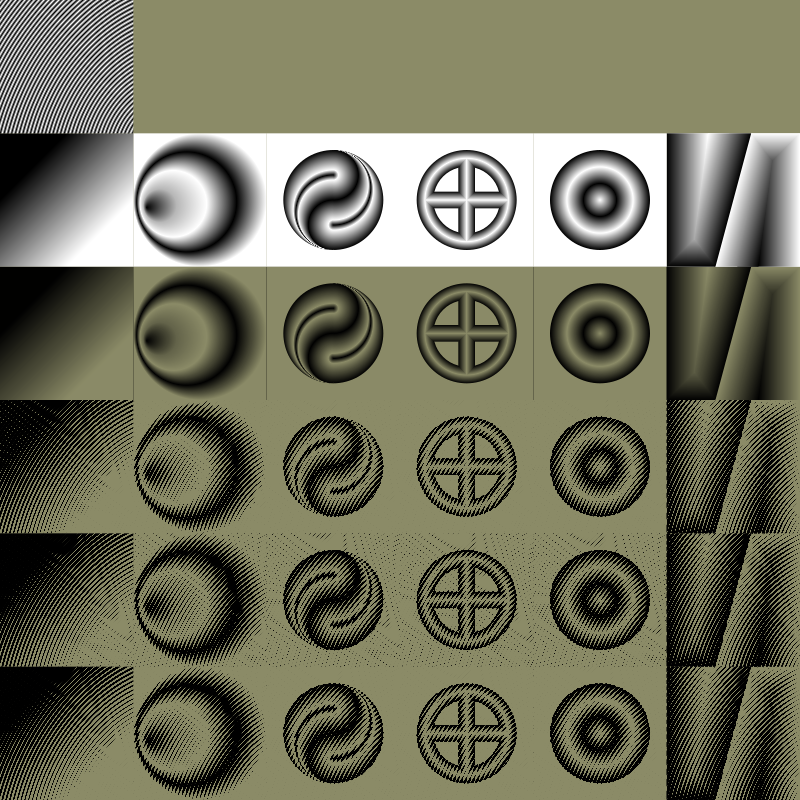
generated gradient map pack

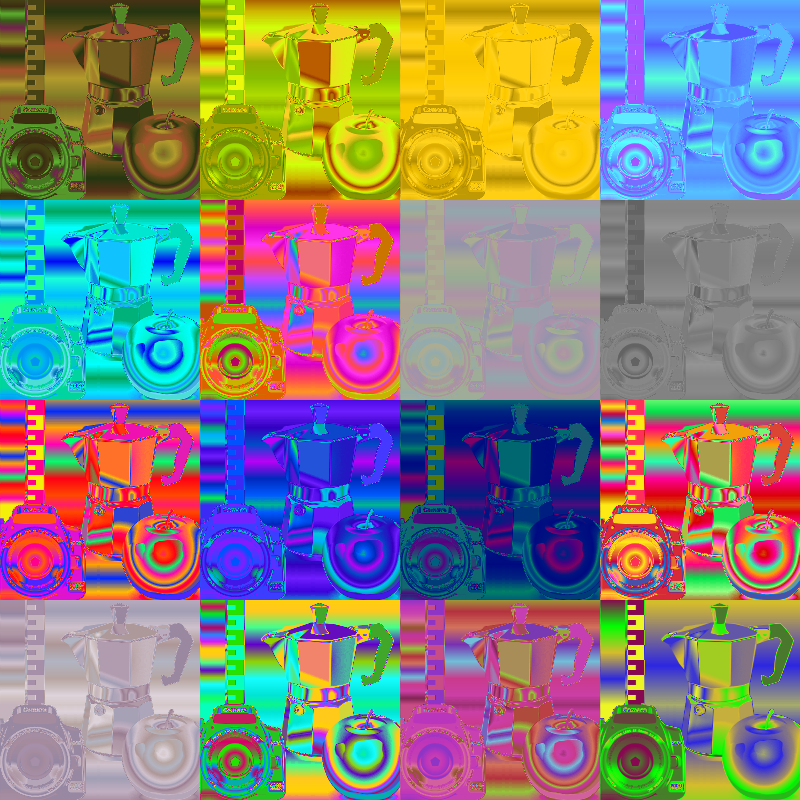
Raising the problem of gradientmap filtering at #inkscape-devel lead to this one. Su_v added a new extension option to generate filters from existing gradient definitions or groups.
Still in development, and not as flexible as a spinbox option for the component transfer filter primitive, but quite fancy for creating some artistic effect way easier than before.


svg source

29 December 2016

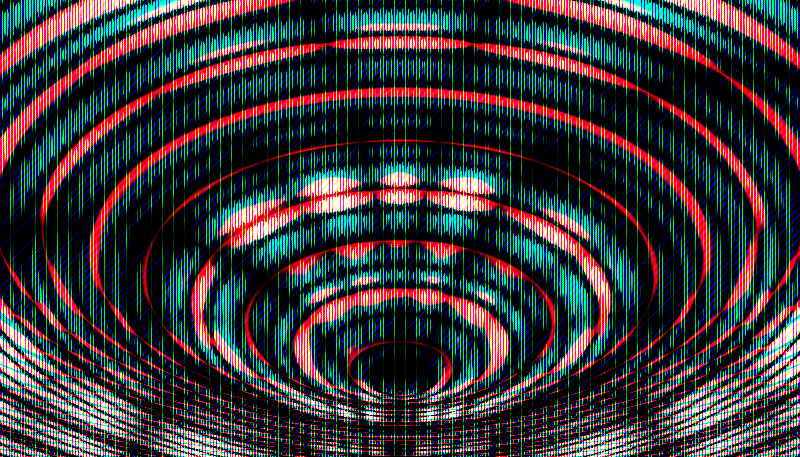
glitch art wallpapers

Generated by filtering.

Using component transfer filter primitives to raise alpha values which with inkscape 0.91's transparent black rendering doesn't really work. Used pre4 0.92 for these.

That issue makes openclipart rendered thumbnails wrong.
Uploaded the images to deviantart, however their original image size was full HD.
So eventually hosting them on the blog as well in

svg source 1
svg source 2
svg source 3
svg source 4
svg source 5
svg source 6
svg source 7
svg source 8


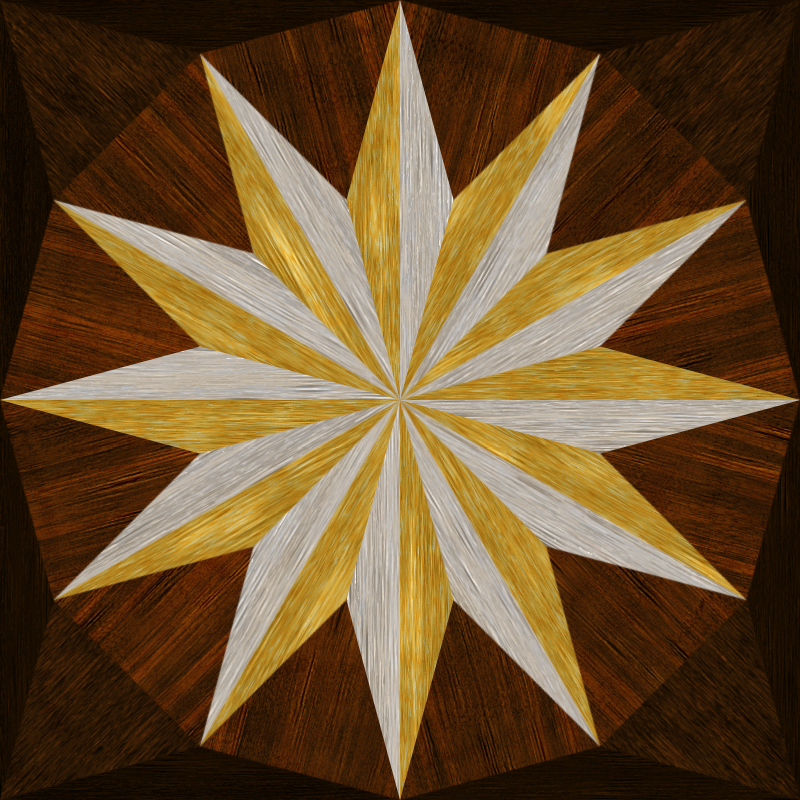
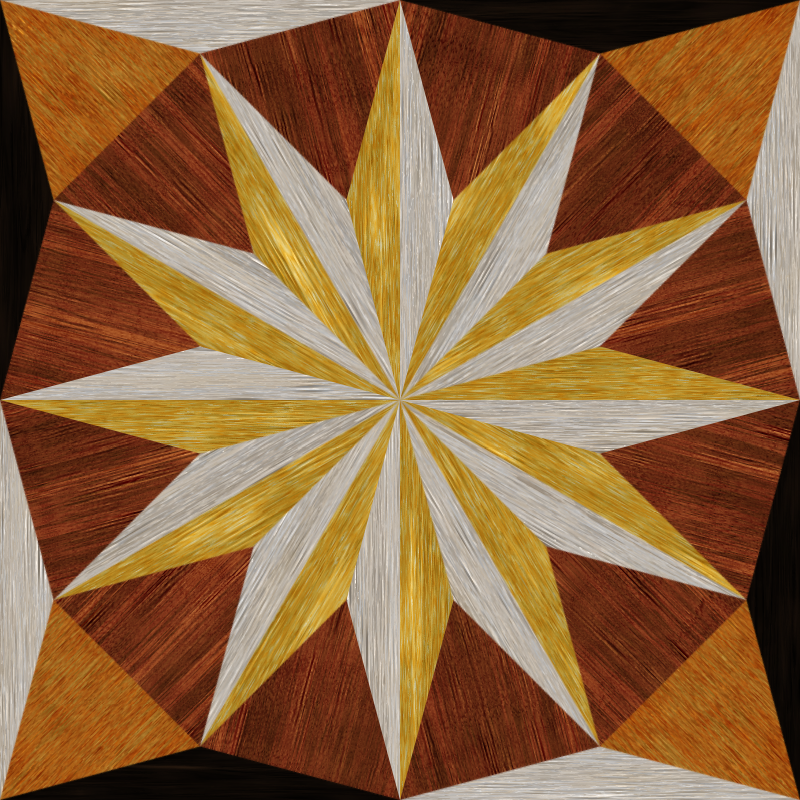
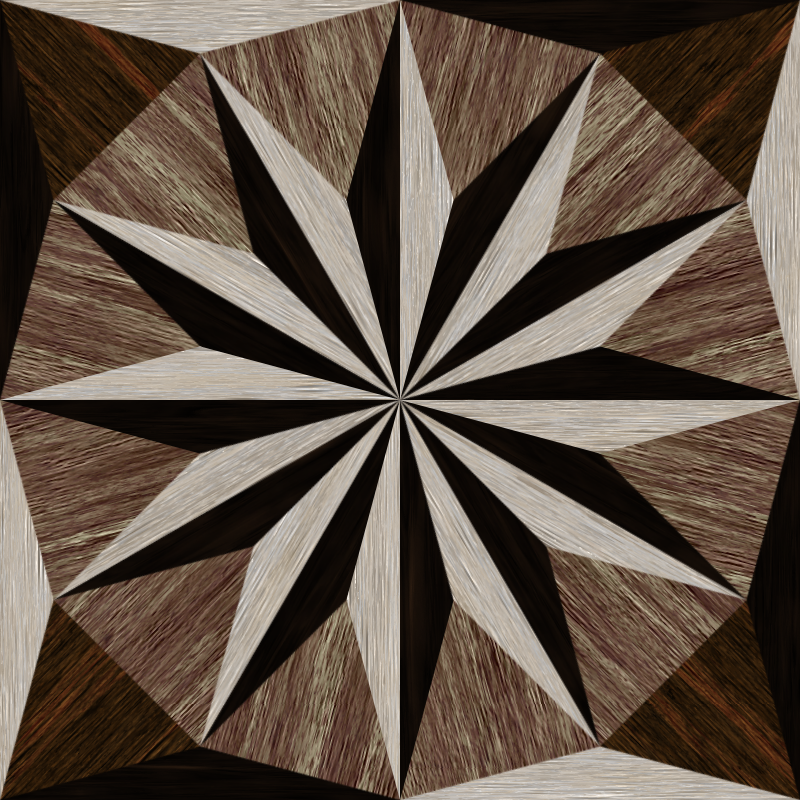
intarsia design 2


Trying out the new wood grain megapack.
Pevious tile pattern is here.


svg source 1

svg source 2

svg source 3

svg source 4


wood grain megapack 2


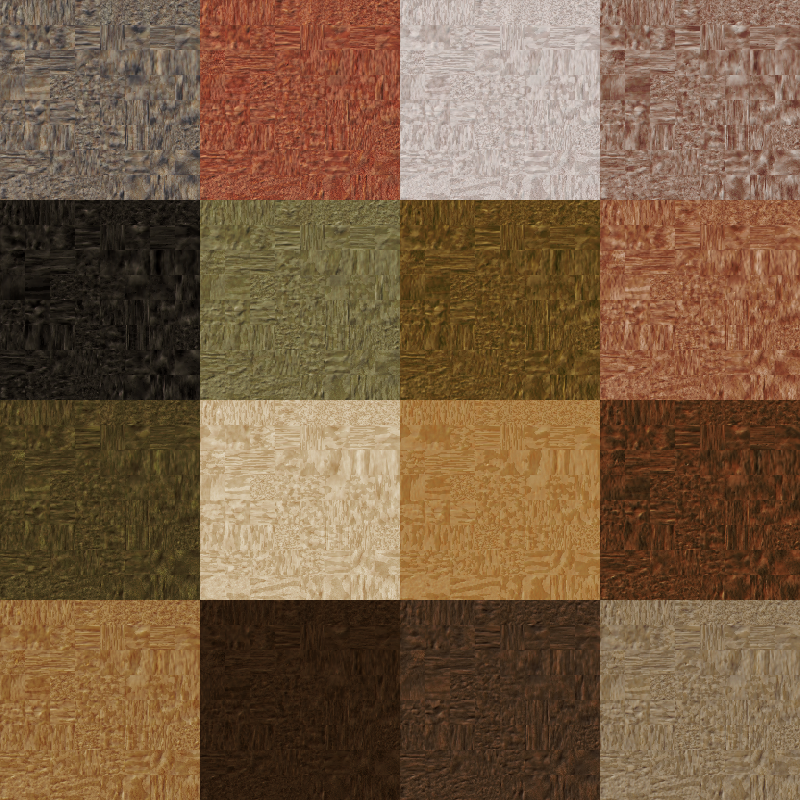
Mega pack for the intarsia lovers. 1296 individual wood grain filters. Based on the previous weathered wood grain pack, with new variants added. Bit of improvement since the first megapack I hope.
This time three flood fills are used, for shade-middle tone-highlight colours.


svg source

26 December 2016

posterize pack

Based on the previous one, this one was just a blurring filter primitive away.
That extra adds smoothing to the edges of the tones.
Renders fine with 0.92, -the previous release has a rendering issue when opening it.


svg source


reduction pack

Still with gradient meshes in mind. From a visual approach the lightness levels preserve the appearance the most. Colours can fade out, a greyscale photograph can still show its content well.
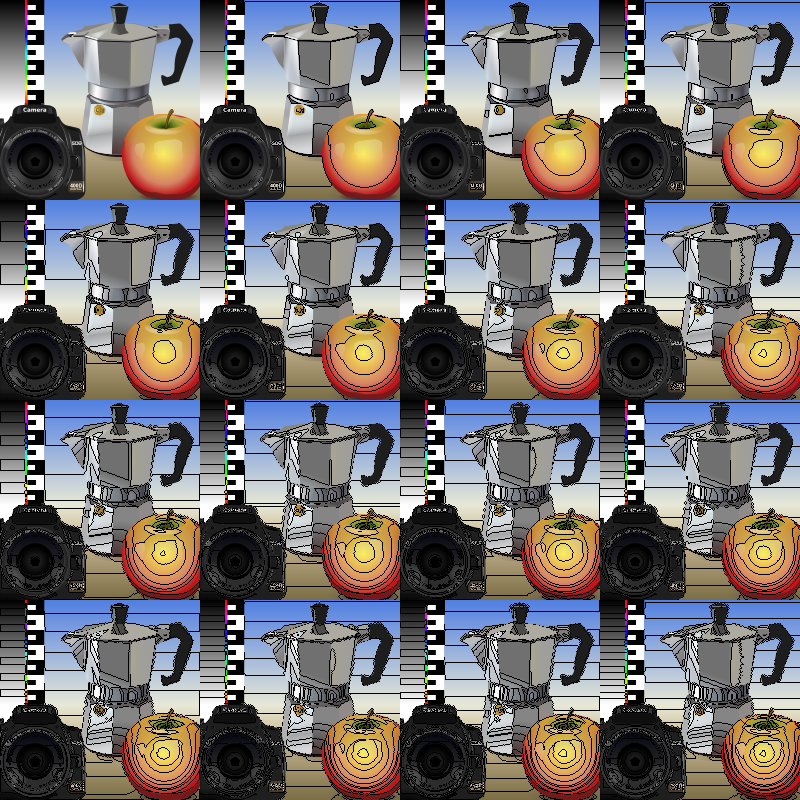
So building from well defined lightness levels is mandatory in a drawing.

Made this filter pack by taking each lightness level of an image, and blurring what's inside each level's area and composited them back together.
This one is closer to a real colour reduction filter, however the blurring used can hardly substitute an algorithm that could calculate the average colour of an area covered. It was set to 10%, and although it could be closer with a larger blur percentage, the blurring itself is a huge limit for the performance even as it is.


On a side note there was a bug in inkscape 0.91's rendering making it appear with fades to black -probably there was an alpha compositing issue.
With pre0.92 it looks ok.


svg source

25 December 2016

Colour reduction filter pack

Sort of.
This one is using a component transfer filter primitive only, making the channels "stepped".
Hosting this raster image on this blog because the thumbnail generated with inkscape 0.91 at openclipart is off.


svg source

23 December 2016

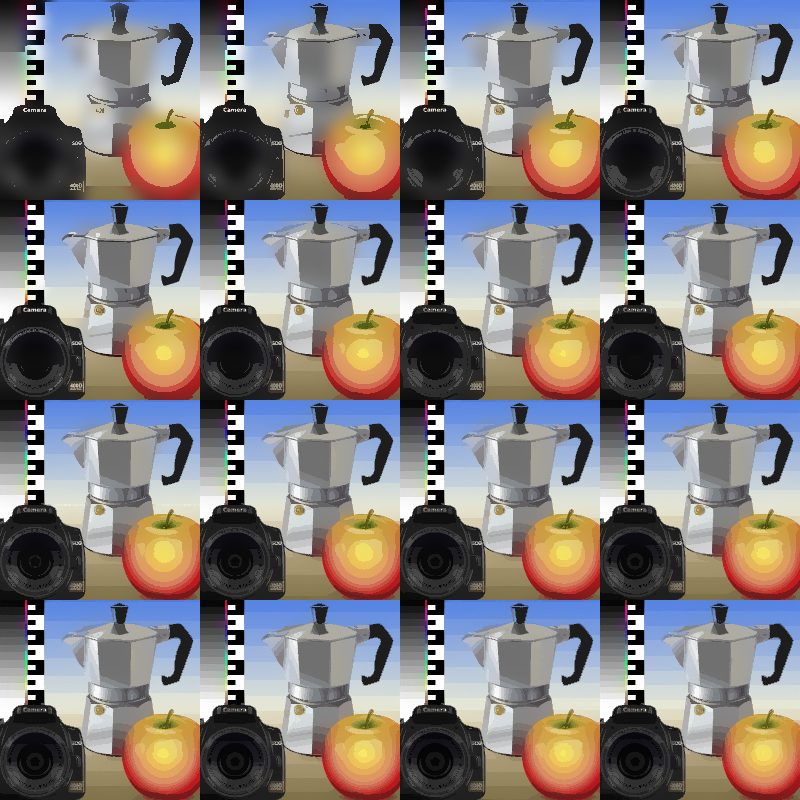
luminosity level indication filter pack

A simple filter pack based on component transferring and a convolution matrix filter primitive.
The rest is just regular compositing and flood fills etc.

These filters draw a 1 px wide (zooming independently) contour line around the source's luminosity levels -areas with the same tone.

Can be handy if you are tracing a photograph and adding gradients -especially, for node placement on gradient meshes.


svg source


Another variant on the concept, with black and white fills covering the same tone values is available here.
Also, the test image set was made for trying out such filter packs in the future, by remixing some top-notch cliparts at openclipart. Here is the link for that.

21 December 2016

plane tree

A season greeting drawn with pre3 0.92 inkscape release, gradient meshes and a wood grain filter.
Missed a dropshadow on the top. And some wood grain patterns mismatch. Still, I could finish it in the night. Time for some sleeping.

Edit: mentioned errors corrected, image updated. Some details still off.


svg source

16 December 2016

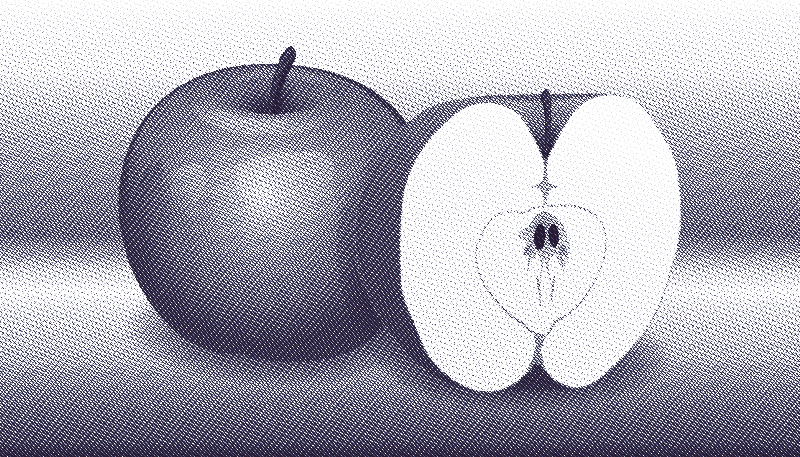
hatched apple

Tiny modifications with the recent hatch filter.

This variant uses merge instead of blending the three tones in, and they are in the shades of a blue ink.


svg source

6 December 2016

newsprint testing

Testing out the previous filter.

Not completely happy with the result, although produces a quite fancy look.
Few examples in use.
First image is unfiltered, the next two are filtered variants.


svg source 1
svg source 2
svg source 3


newsprint filter

A base for various hatching and "newsprint" halftone filter effects.

Complex in inkscape's filter editor but easy to render, zooming doesn't lag.
If I could capture the structure behind would upload it as well, as it has a nice pattern.

It is based on the lightness values of the source object.
Maybe if there will be a decent filter editor in inkscape I'll get back to it and split the rgb channels instead.
But for now this filter is a bit too complex for the current editor.


svg source

5 December 2016

hatching filter pack

Based on a 16 tone gradient map filter, this one produces hatches.

While the gradient map fills each part of the source with a flood colour based on its lightness value, this one fills those area with a hatch pattern adjusted for each tone.

The hatch pattern is pulled in by an image filter primitive, and can be adjusted live.

With the tile filter primitive the concept could be extended to a newspaper halftone filter.


source svg

4 December 2016

gradient map filter pack -discrete-

The previous pack tweaked to have solid colours.
Can be used for the base of a hatching filter as well where image filter primitive is used instead of the flood fills.
On a side note this is the first time I used the table and discrete inputs for the component transfer filter primitive so probably I'll fix the previous "duotone" filters a bit sometime, which were using linear imputs, slope set to 10 twice in a row. This is a way more streamlined solution.


svg source